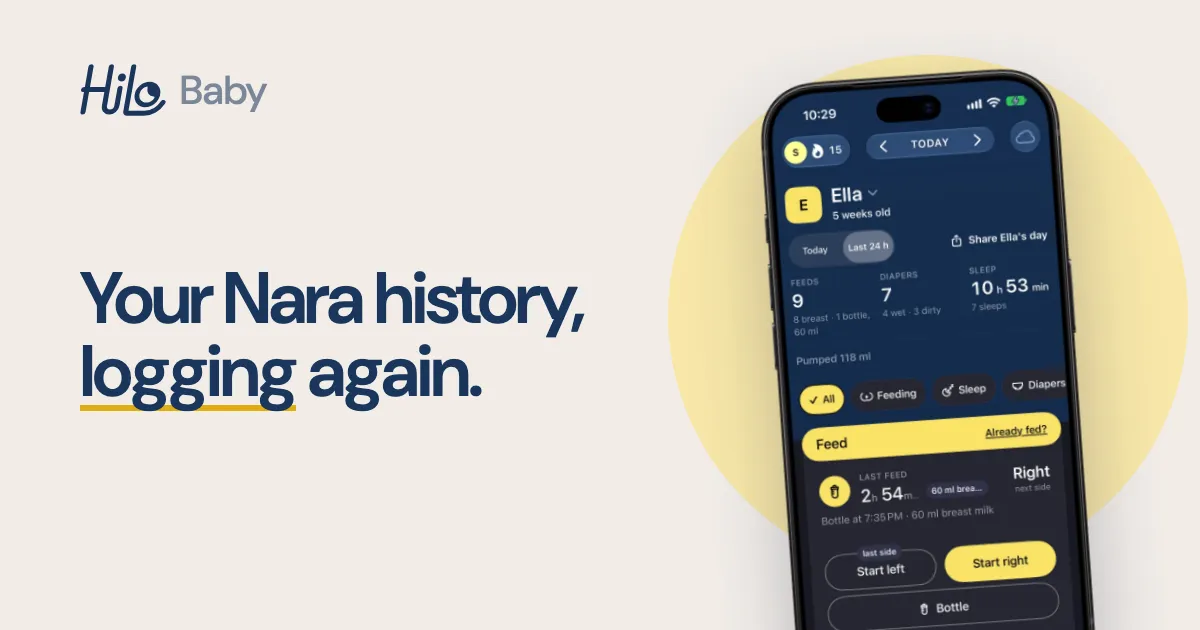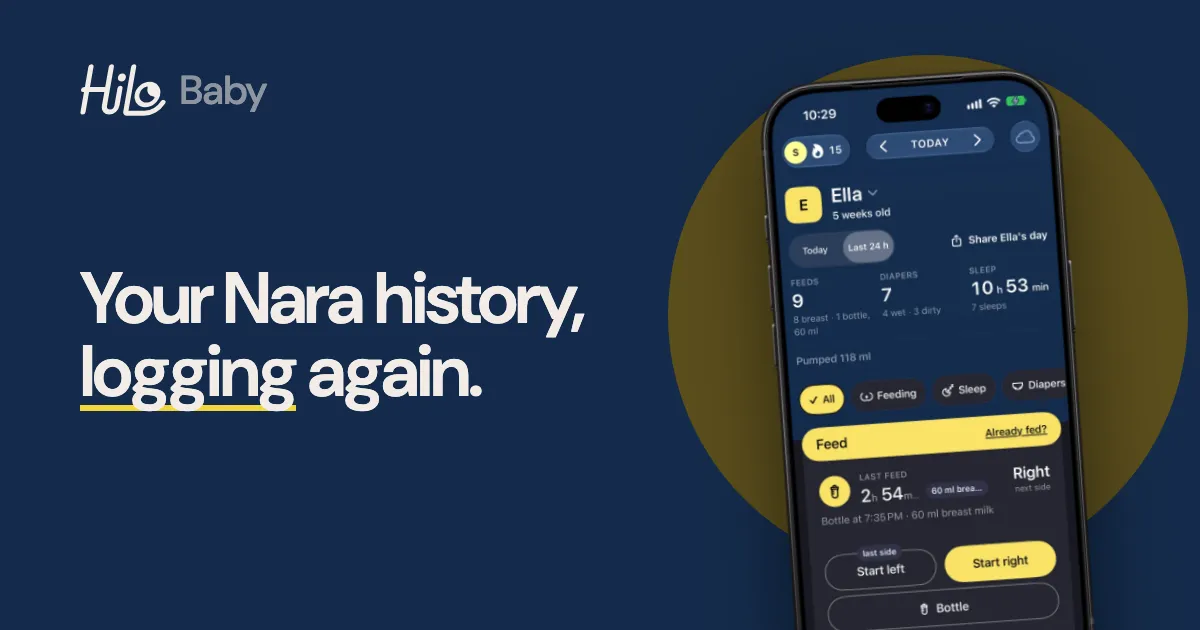
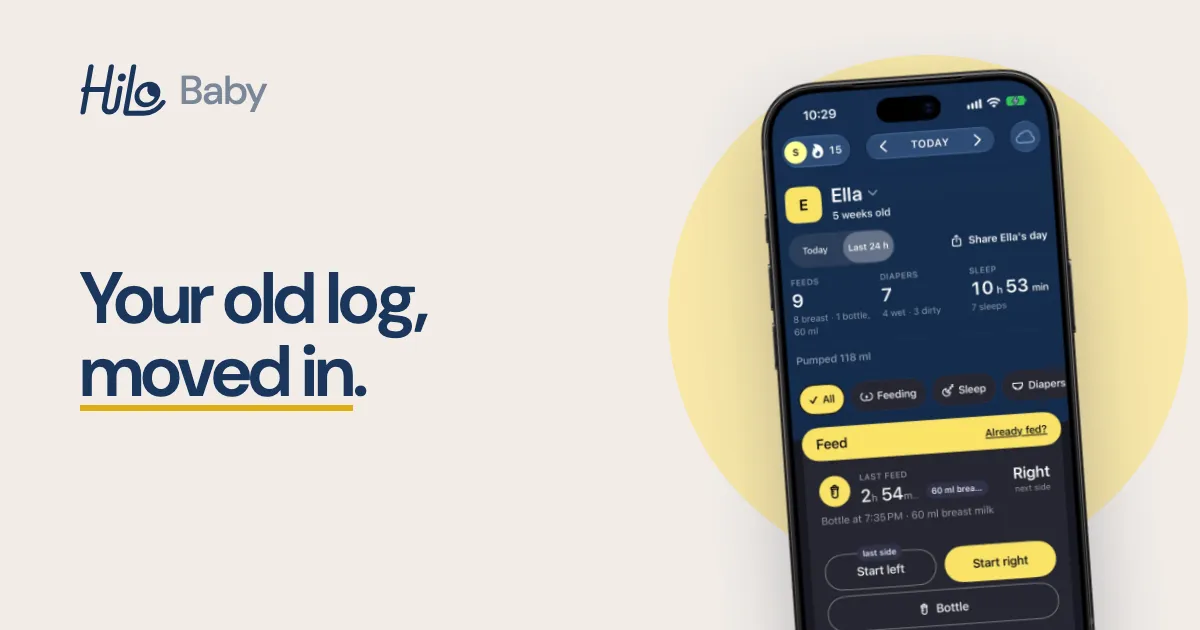
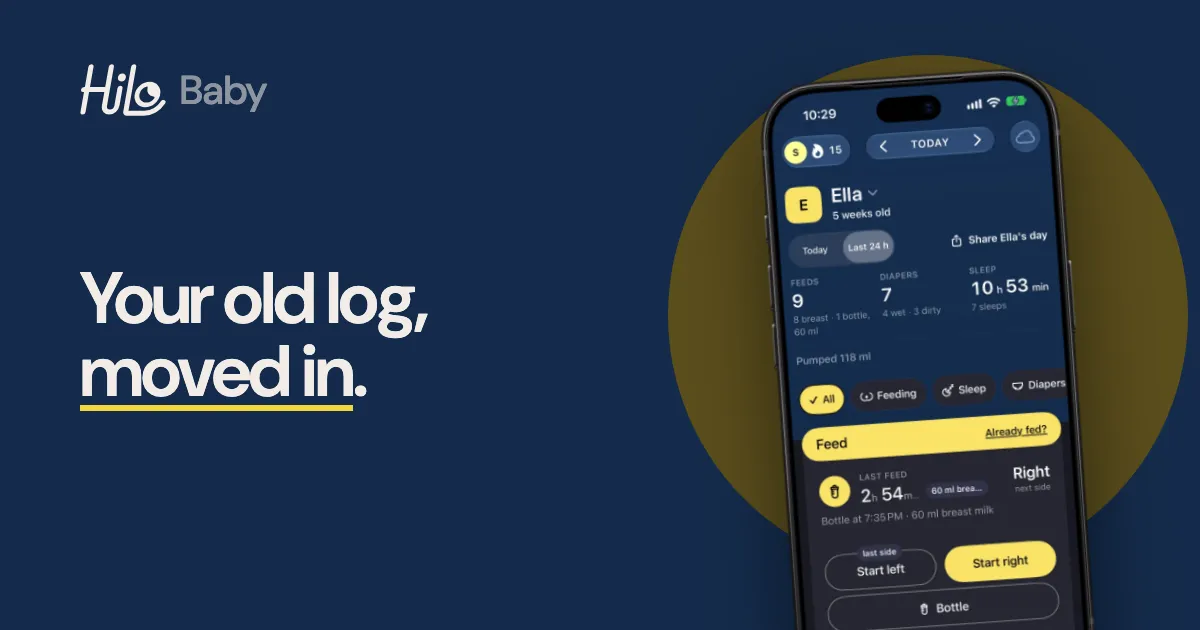
HiLo Baby imports the export file from Nara Baby, Huckleberry or Robin Baby, so your old feeds, sleeps and diapers come with you. Tonight's feed goes in the same timeline, and you and two more log free, each on your own phone.
On this page
The file is read on your phone, or in your browser, and never uploaded.
What happens to your file
Nara Baby, Huckleberry and Robin Baby all hand you a CSV, a plain spreadsheet-style file. Where you take it decides what survives.
Huckleberry takes Nara Baby files only. It has you upload the file, then discards it, and leaves solids, medicine, notes and milestones behind.
HiLo Baby takes all three and reads the file where it sits. From a Nara file, solids, medicine and milestones come across too. Read more on how HiLo Baby handles your data, or see each app side by side with HiLo Baby on the Nara Baby alternative, Huckleberry alternative and Robin Baby alternative pages.
First, get your file out
From Nara Baby, open the Activity screen, tap the avatar next to your child's name, then Export Data. It works even after the trial has ended. How to export Nara Baby data.
From Huckleberry, tap your child's profile icon, then Export tracking data as CSV. Open the link Huckleberry emails you within 24 hours. How to export Huckleberry data.
From Robin Baby, tap Profile, then Export Data, then Export CSV, and save the file. Robin exports one child at a time, so do it for each child. Robin Baby alternatives.
Don't open the file in a spreadsheet app first. Saving it there can change the dates.
Import it into HiLo Baby
- Start your log in the browser or in the app.
- In the app, open the You tab and tap Import from another app. In the browser, tap Import your history while you set up.
- Pick the file and check the preview. It shows which child the file goes to and how many entries come across.
- Nothing is added until you tap Add. The button shows the count, like Add 412 entries.
Import the same file twice and nothing is added twice.
Start your free log and import your file in the same sitting. No account needed to start.
What comes across
From Nara Baby: breastfeeds with each side's minutes and the last side, bottles, pumping, sleep, diapers, solids, growth, medicine, temperature, vaccines, milestones, firsts and routines.
From Huckleberry: sleep, breastfeeds and bottles, solids, diapers, pumping, growth, medicine, temperature, tummy time and baths.
From Robin Baby: sleep, breastfeeds and bottles, pumping, diapers and rashes, solids, growth, medicine, temperature, symptoms, vaccines, milestones and your own custom entries.
Your history, still useful
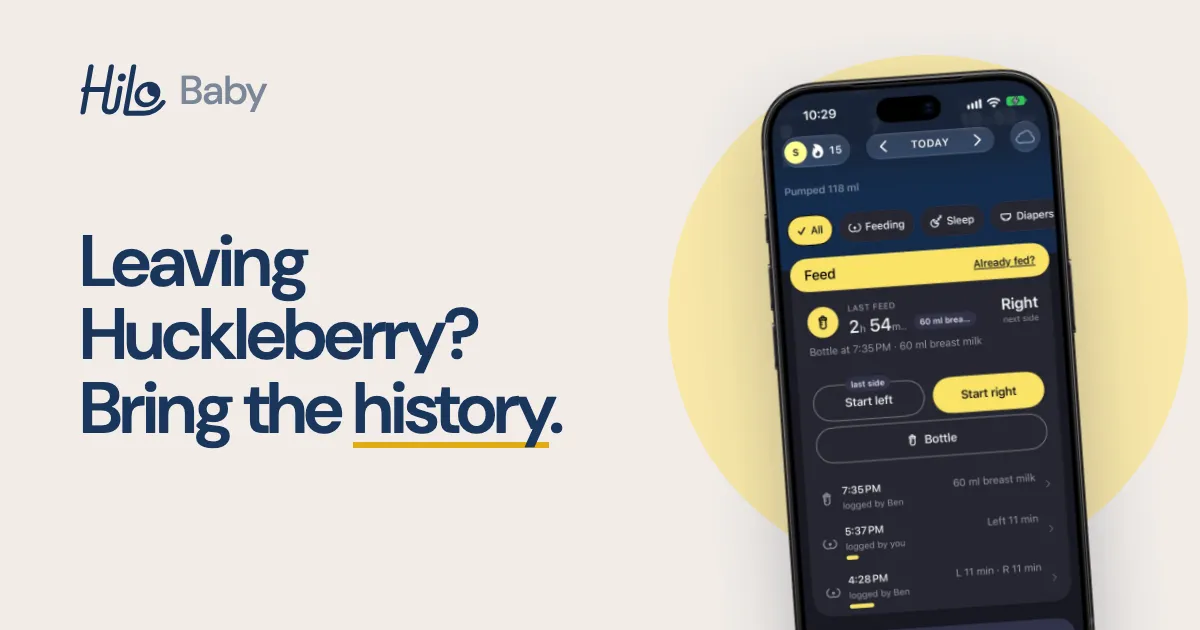
Your partner takes the 11pm feed, opens the log and sees last week's feeds from your old app and the one you logged an hour ago, in one list.
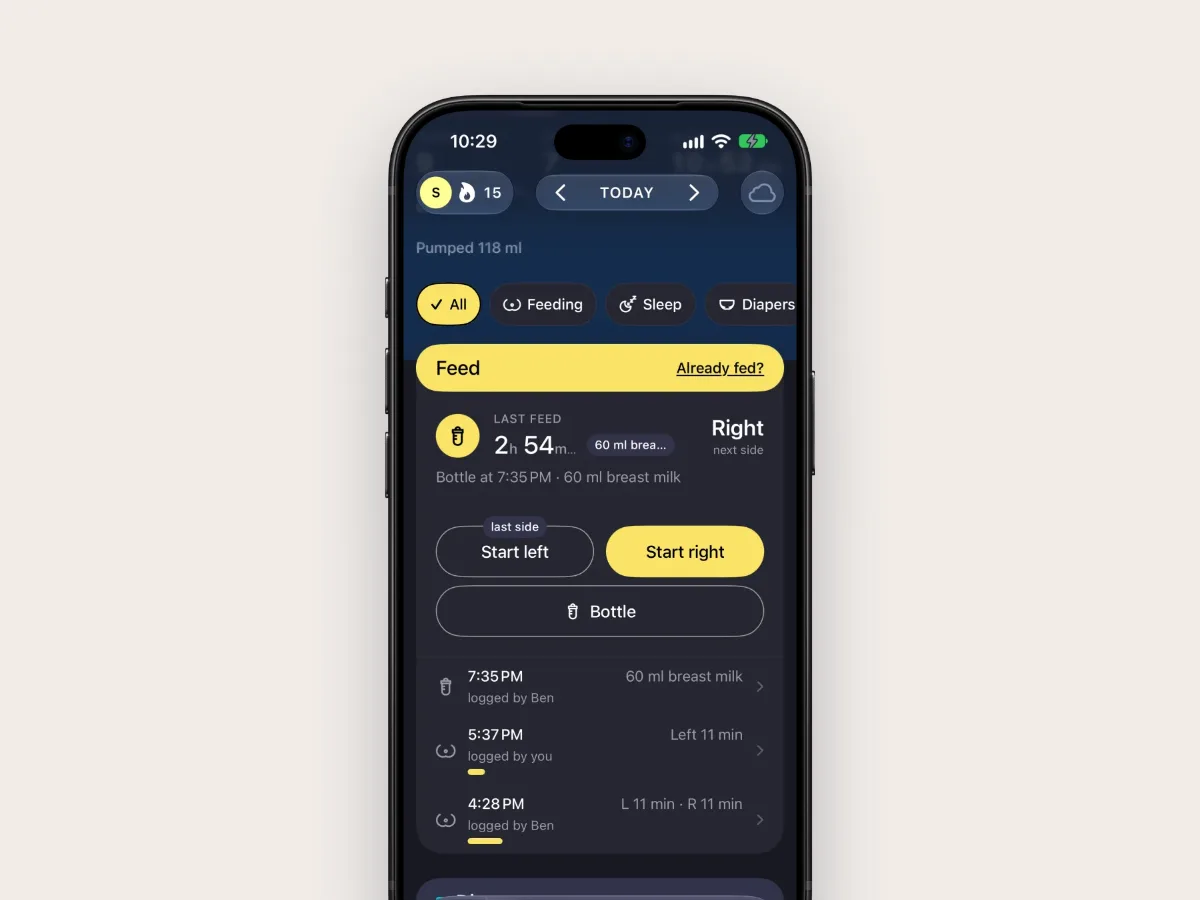
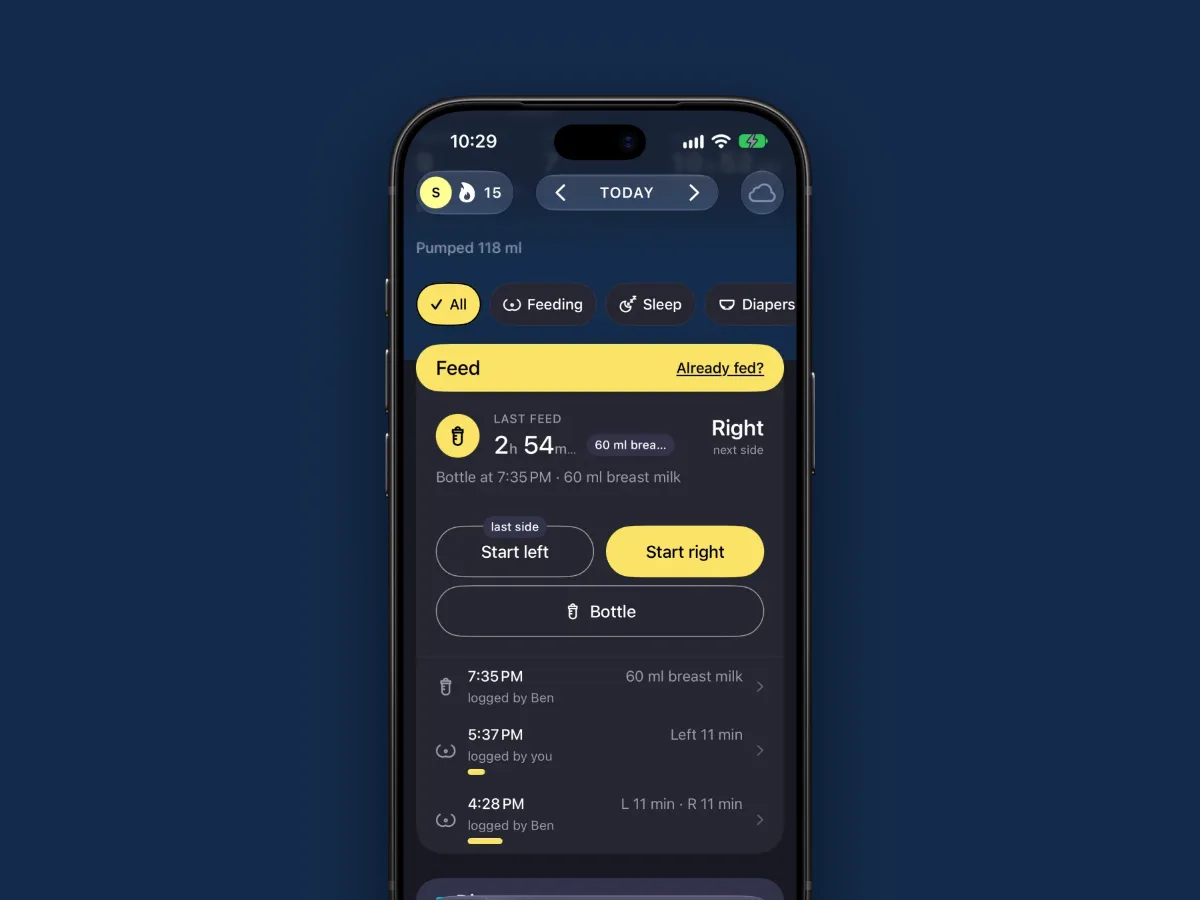
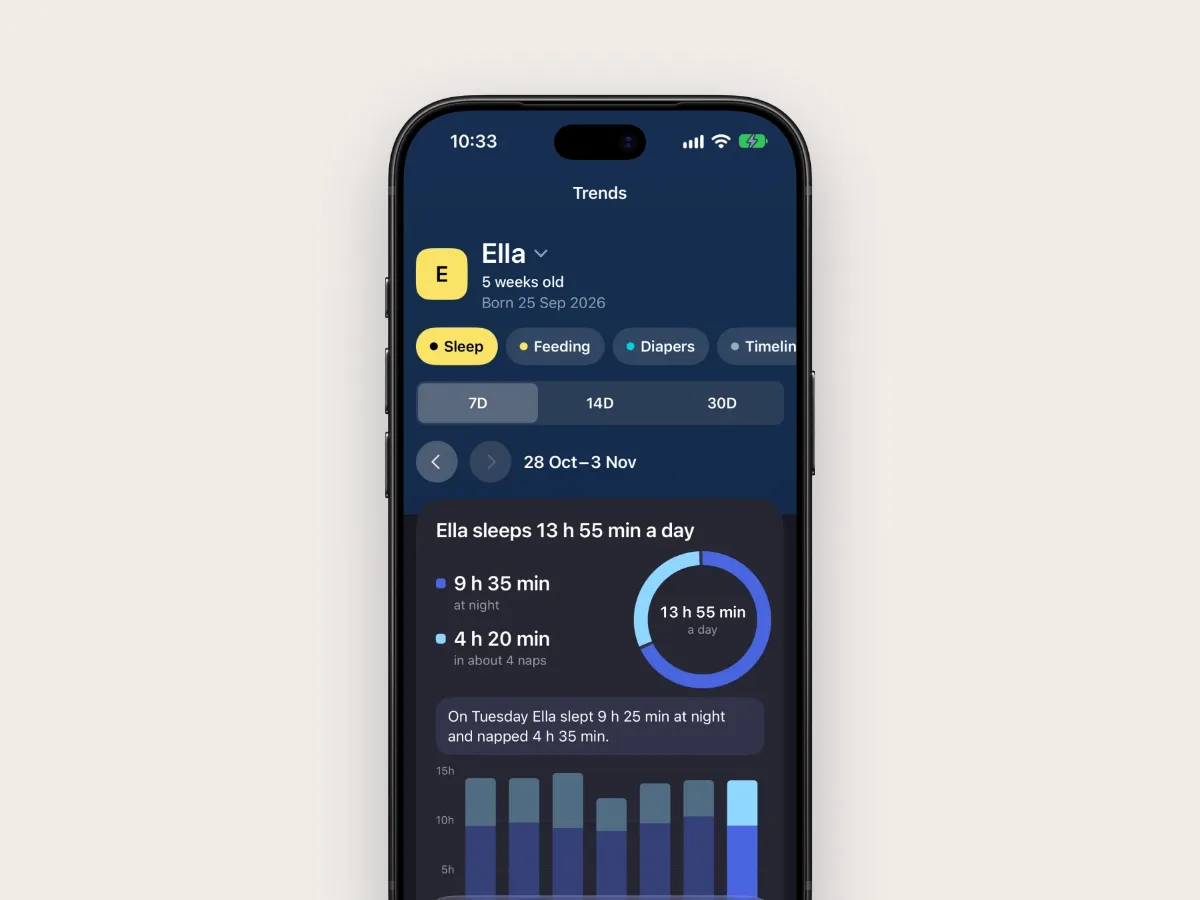
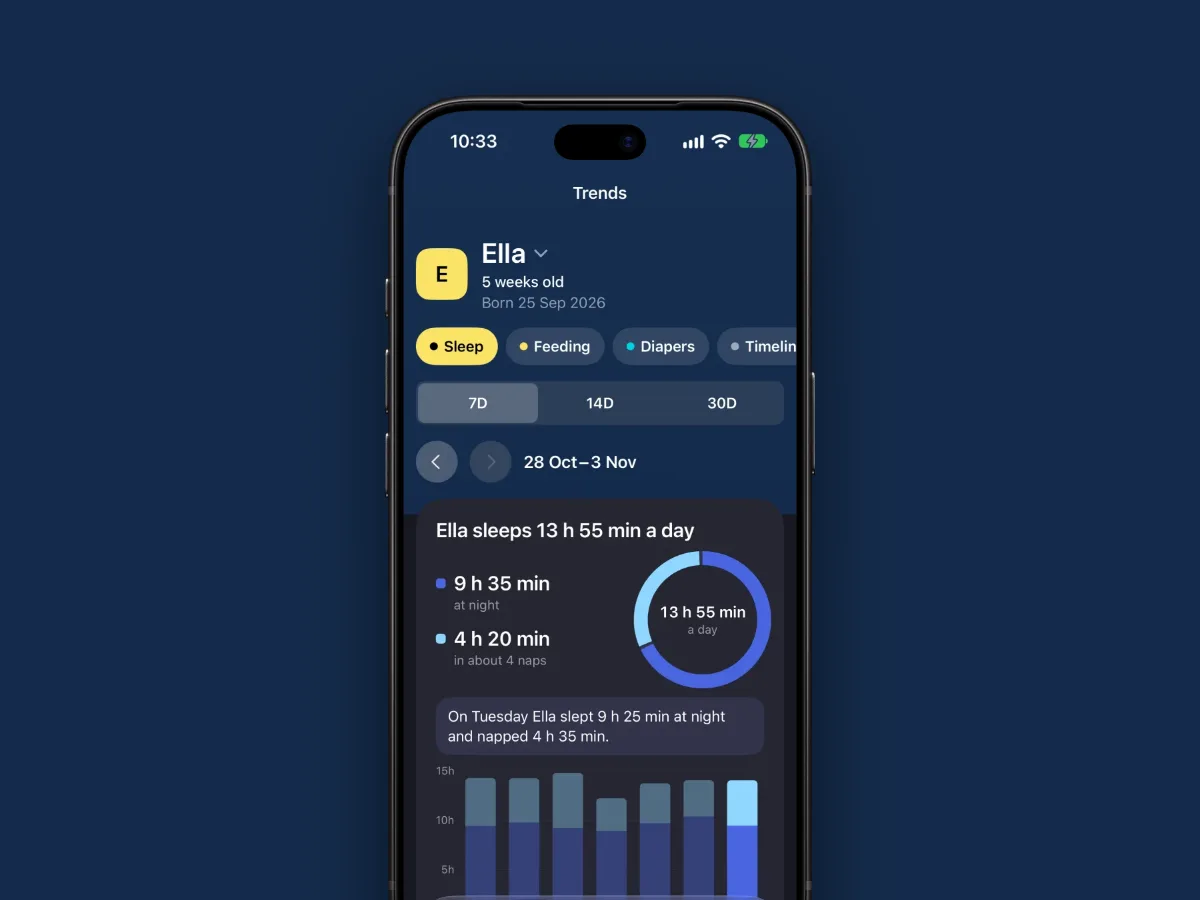
Trends adds up sleep, feeds and diapers over the last 7, 14 or 30 days, free, old entries included.
If you ever need it back out, download the whole family's log as one file, any time, free.
Questions parents ask
Does HiLo Baby have AI insights?
No. HiLo Baby's Trends tab adds up what you log into plain charts and lines like "Ella sleeps 13 h 55 min a day", over the last 7, 14 or 30 days, free.
Can HiLo Baby import from Robin Baby or Smart Sleep Coach?
Yes for Robin Baby, no for Smart Sleep Coach. HiLo Baby reads Nara Baby, Huckleberry and Robin Baby export files. Keep any other file as your record, and your HiLo log starts with the next feed.
Can I undo an import?
Yes. On the import screen, open Past imports and tap Remove what this added on the newest one. The entries it brought in go, and everything you logged yourself stays.
Is my file uploaded anywhere?
No. HiLo Baby reads the file on your phone, or in your browser, and never uploads the file itself.
Will I lose any of my old history?
Only rows HiLo Baby can't record, like a row with no readable start, a sleep with no end or a bottle with no amount. The preview counts every entry and lists anything left out before you tap Add.
Does HiLo Baby cost anything?
Logging doesn't. It's free for you and two more, with no trial to run out, and nothing you log turns read-only. See what's free.
Bring your history tonight
Pick your file, and tonight's first feed goes in the same timeline as everything before it. Start your free log. No trial, and logging never locks.